When the power goes out, every moment—and every bit of energy—matters. Blackouts can hit without warning, whether it’s from a storm, an accident, or an overloaded grid. It’s no surprise many people worry about what would happen if the lights suddenly went off. The good news is your solar system can do more than just send power back to the grid. With the right setup, it can keep supplying electricity during a blackout.
It all comes down to the right preparation
A good backup power plan is one of the best ways to get ready for a blackout. Most solar systems switch off during a power outage because the grid goes down. But if your solar system has a backup‑ready inverter, it can still give you basic power. It can even do this without a battery, as long as the system can safely run on its own while the grid is disconnected.
But what exactly is a blackout? Take a look at this blog post to find out. Happy reading!
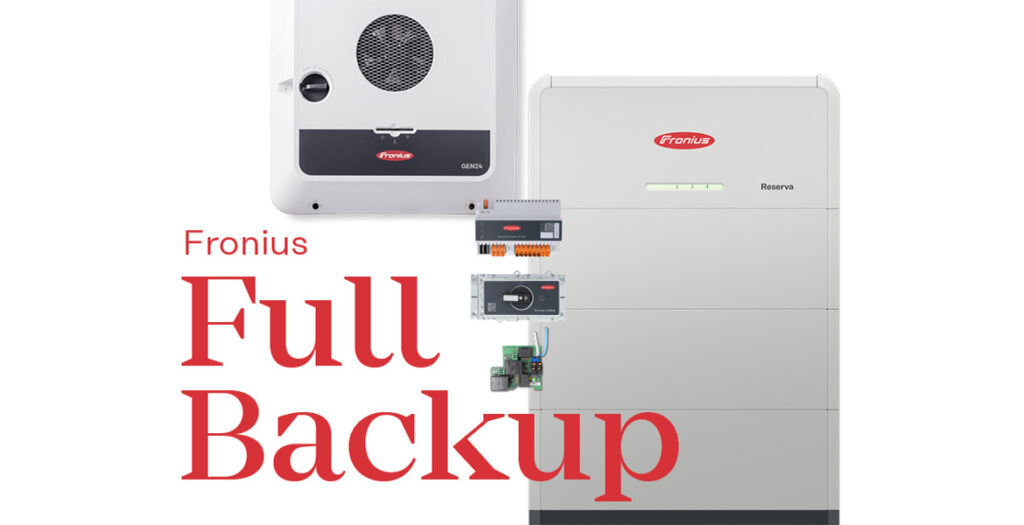
If you want full backup power that can handle longer outages, you’ll need a few extra components on top of a battery. Whether you just want basic backup for essentials or a complete setup that can run your whole home, there are reliable solar backup options to suit every situation:
1. Backup power socket—for straightforward dependability
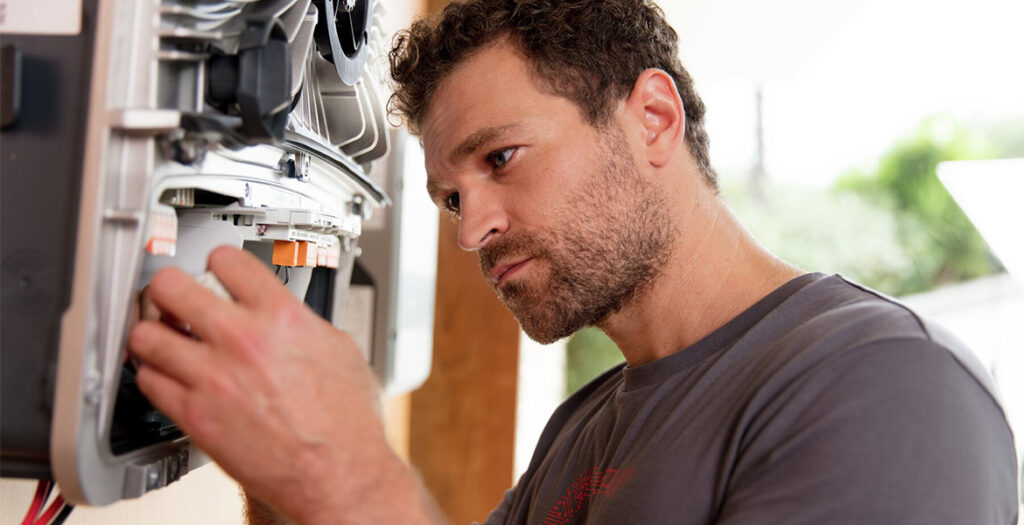
During a power outage, some small appliances can still run through a special backup power socket known as PV Point —as long as the sun is shining. This socket can supply up to 3 kW and doesn’t need a battery, making it handy for keeping essentials going, like your Wi‑Fi router, fridge or phone chargers. All Fronius GEN24 and GEN24 Plus inverters come with this feature, known as a “backup power point”, which gives you a basic level of backup when the grid is down.
Important: This option does not power your whole home. It only supplies one dedicated outlet. Even so, being able to run a few key appliances during a blackout can make a big difference.
Note: The backup power point only works when the grid is completely offline. That means a wired circuit won’t be energised once normal grid supply returns, which makes it impractical for everyday use. Homeowners needing a fixed wired backup circuit in Australia will require PV Point Advanced, which involves additional components and professional wiring.
2. Automatic switching to full backup mode
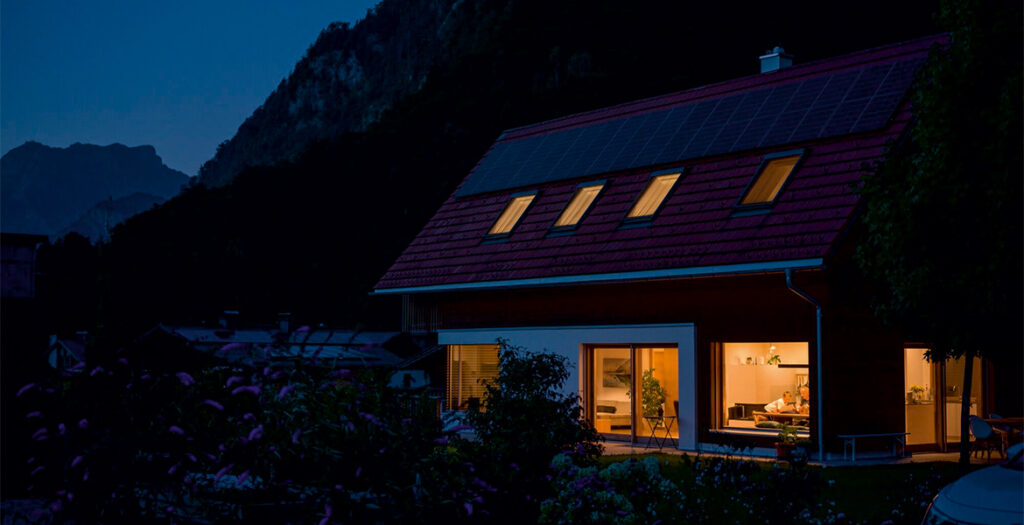
If you want your whole home to stay powered automatically during a blackout, you’ll need an automatic switch that takes over when the grid goes down. This device senses a power failure within moments and safely disconnects your home from the grid. It then switches your solar and battery system into backup mode on its own. When grid power returns, it reconnects everything back to normal without you needing to do anything.
There are a few types of automatic switching units available. Options include switchover boxes, backup controllers and transfer switches. Each suits different home setups and system sizes. Switchover boxes simply switch between grid power and backup mode during an outage. Backup controllers also manage how solar and battery power is used. Transfer switches are designed for bigger, high‑demand systems.
In short: With an automatic switching unit—such as the Fronius Backup Controller—your entire home can stay powered even when you’re not there. It delivers strong energy security and real peace of mind during longer outages.
3. Solar battery—a dependable energy reserve
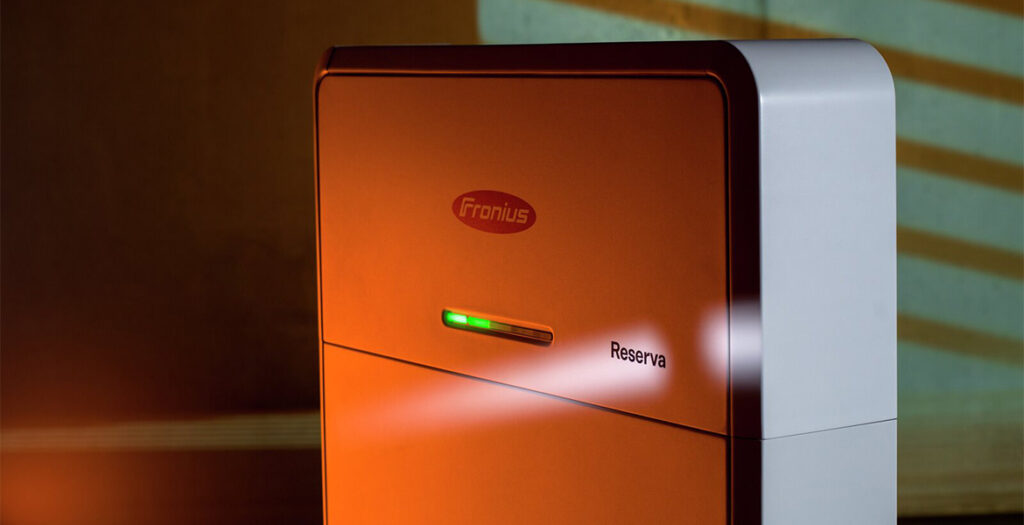
A battery stores extra solar energy so you can use it at night, on cloudy days, or during a power outage. With a good inverter and battery working together, you can rely less on the grid and use more of your own solar power.
Modern battery systems can also be managed smartly, so they charge and discharge at times when it saves you the most money. This helps you get the best value from your solar and can make a real difference to your household budget.
But note: not every battery is automatically blackout-capable! Only models with backup power function and solar re-charging in stand-alone operation are suitable.
What does this mean? In backup mode, your solar system can still charge your battery even when the grid is down. This means you can keep topping up your battery during a blackout or in areas where the grid is unreliable.
To make this work, you’ll need a backup‑ready inverter, a smart meter, and the right wiring and software. When the battery is connected on the DC side, the energy from your solar panels goes straight into the battery. This direct charging is very efficient and avoids unnecessary energy loss.
When choosing a battery, it’s important to check that it’s compatible with your inverter and has the right size and charging performance for your needs. Your electrician can help you decide what’s best for your home.
There’s one more key feature to look for: black start capability. This is essential for restarting your system after a complete shutdown—more on that next.
4. Black start capability—restarting without the grid, using the power of the sun
What happens if the power goes out during the night—and your battery is already empty? This is where black start capability becomes a real lifesaver in a long blackout. Many systems can only turn back on once the grid is stable again. But a black‑start capable system can restart itself automatically the next morning as soon as the first sunlight hits your solar panels, with no help from the grid.
This feature is especially important if you want to be prepared for unexpected emergencies, live in a remote area, or aim for a more self‑sufficient home. Not all inverters or batteries offer black start capability, so it’s an important point to check before you buy.
Did you know? Fronius inverters—such as the GEN24 Plus—are built with black start capability, making them a strong choice for reliable backup power.
–
How black start (also known as “dark start”) works:
| 1. Complete power failure (blackout) |
| Grid current fails, the PV system produces no current (e.g., at night or when the sky is very cloudy). Battery is flat or the system is completely shut down. |
| 2. System detects a “external power loss” |
| All loads are disconnected. The inverter and battery are in standby or safety mode. |
| 3. Manual start pulse (dark start) |
| A button or switch on the battery (e.g., on the Fronius Reserva) is pressed manually to activate the system. The battery supplies a small amount of residual energy to start the inverter and the control electronics. |
| 4. Stand-alone grid is established |
| The inverter establishes a stable stand-alone grid. Single phase (230V) or Three phase (400V). Loads can be supplied again. |
| 5. Solar system starts to work (in daylight) |
| The solar system starts up as soon as sunlight is available. The electricity generated is first used for actual consumption and then for charging the battery. |
| 6. System continues to run autonomously |
| The system remains in stand-alone operation until the public grid is available again. It can then switch back to parallel grid operation automatically or manually. |
–
Conclusion: Building your personal blackout protection
A solar system alone is not enough to protect you in the event of a blackout; only with the right additional components does it become a real backup power solution. Whether you opt for a basic backup power supply, such as the PV Point backup power socket, or a more comprehensive setup with a battery and blackout-capable inverter, the possibilities can be adapted to your needs and budget. Even retrofitting an existing system is uncomplicated and provides added security.
It’s important that you implement your personal backup power concept for your home early on, so that your systems don’t go dark during a blackout.
–